Introduction: The Scam That Almost Nobody Sees Coming
Most people think they are too smart to fall for a phishing scam. That confidence, honestly, is what makes phishing so devastatingly effective. Last year, a CFO at a mid-sized U.S. firm wired $1.2 million to what appeared to be a trusted vendor – same email thread, same logo, same tone, but it was a fake. A finance employee at the University of California system handed over their login credentials to attackers impersonating IT support, and dozens of colleagues did the same before anyone caught on. These are not stories about careless or uneducated people. They are stories about well-crafted, highly targeted attacks designed to look just real enough.
In 2026, phishing is no longer the clunky, obvious email with broken English and a suspicious link. Thanks to artificial intelligence, voice cloning, and automated phishing toolkits, scammers can now manufacture convincing fake messages in bulk, personalize them to your job title, your bank, your shopping habits and deliver them across email, SMS, phone calls, and even QR codes. The 2026 Phishing Trends Report from Hoxhunt revealed a staggering 14x surge in AI-generated phishing attacks toward the end of last year, a trend that has continued right into 2026.
This guide breaks down exactly how phishing scams work today, shows you real examples of what they look like, and gives you a practical, no-fluff roadmap to protect yourself and your accounts. Whether you are an everyday internet user, a remote worker, or a small business owner, this is the 2026 phishing survival guide you need.
What Phishing Scams Look Like in 2026 (And Why They’re Harder to Spot)
Understanding how to avoid phishing scams in 2026 starts with understanding how much they have evolved. The playbook has changed dramatically, and most people are still defending against the 2018 version of the threat.
VikingCloud’s 2026 phishing statistics report highlights that modern phishing is now a multi-channel discipline, combining email, SMS, voice calls, social media, and even physical QR codes into a single attack chain. An attacker might send you a spoofed email, follow it up with a fake text, and then have someone call you posing as customer support, all within the same hour.
Here is what sets 2026 phishing apart from what came before:
- AI-generated messages with perfect grammar, correct context, and personalized details scraped from your social media or previous data breaches.
- Voice cloning attacks where criminals use a short audio sample from a voicemail or YouTube video to clone a family member’s or CEO’s voice and make urgent phone requests.
- QR code phishing (quishing) where scammers paste fake QR stickers over legitimate codes in parking lots, restaurants, and office buildings, redirecting victims to credential-stealing sites.
- Adversary-in-the-Middle (AiTM) attacks that bypass even two-factor authentication by intercepting your session in real time.
- Phishing-as-a-Service (PhaaS) platforms that let low-skill criminals launch sophisticated attacks using pre-built, filter-evading toolkits.
The numbers back this up. According to the Internet Crime Complaint Center’s (IC3) most recent data cited by VikingCloud, Business Email Compromise (BEC) fraud alone cost U.S. victims more than $3 billion in a single year. That is not a statistic from a cybersecurity thriller, that is money leaving real businesses through emails that looked completely legitimate.
Real Phishing Scam Examples You Need to Know About in 2026
One of the best ways to avoid phishing scams is to see what they actually look like. Here are real-world attack patterns actively targeting people right now.
1. The Fake Microsoft 365/Google Login Page
You receive an email flagged as urgent: “Your account has been compromised. Please verify your identity immediately.” The link takes you to a page that looks pixel-for-pixel identical to the Microsoft or Google login screen. The URL is something like microsoft-secure-login[.]co – close, but not quite right. The moment you enter your credentials, they go straight to the attacker. According to McAfee’s 2026 online scam research, these impersonation attacks are among the most widespread because they exploit the trust you already have in platforms you use every day.
2. The AI-Cloned Family Voice Call
Imagine getting a phone call from what sounds like your son or daughter, panicked and saying they have been arrested and need you to wire $2,000 for bail right now. The voice is genuine because it was cloned from a 30-second Instagram video using AI. This is not science fiction; McAfee researchers have documented cases exactly like this in 2026. The key giveaway: the caller will push urgency and discourage you from calling anyone else to verify.
3. The Fake USPS/FedEx SMS
A text arrives: “Your package has a delivery issue. Tap here to reschedule.” The link goes to a convincing fake shipping portal asking for your name, address, and credit card to “pay a $1.99 redelivery fee.” Most people pay it without a second thought and hand over their card details in the process. This type of smishing (SMS phishing) is particularly effective because package deliveries feel routine and low-stakes.
4. The QR Code in the Parking Lot
UK authorities recorded nearly 784 reports of QR code phishing (quishing) in a single year, with losses nearing £3.5 million, according to CloudSEK’s phishing trend analysis. Scammers place fake stickers over legitimate QR codes at parking meters, restaurant tables, and event venues. When you scan it, the malicious site loads in your mobile browser, a smaller, harder-to-inspect environment and harvests your payment or login information.
5. The Payroll Update Email (BEC Attack)
This one targets employees in HR and finance. The scammer spoofs an executive’s email or in some cases, actually compromises it, and sends a message asking that direct deposit banking details be updated before the next payroll run. In May 2025, UCLA and UC system staff fell victim to exactly this type of attack, with dozens of employees inadvertently handing over credentials that attackers used to attempt fraudulent bank account changes.
Phishing Scam Types at a Glance: Quick Comparison Table
Here is a comparison of the most common phishing scam types actively targeting people in 2026, so you can quickly identify what you are dealing with:
| Phishing Type | Delivery Channel | Common Lure | Primary Goal | Red Flag to Watch |
|---|---|---|---|---|
| Email Phishing | Fake bank/account alert | Steal login credentials | Misspelled domain, urgent tone | |
| Smishing | SMS/Text | Package delivery issue | Credit card or personal data | Shortened links, unsolicited texts |
| Vishing | Phone Call | IRS, bank, or tech support | Money transfer or OTP | Urgency, refusal to let you call back |
| Quishing | QR Code | Payment or verification | Login credentials, card info | Stickers over existing codes |
| Spear Phishing | Personalized to your role/job | Targeted credential theft | Highly specific details about you | |
| BEC (Business Email Compromise) | Executive payroll/invoice | Wire transfer fraud | Slightly altered sender domain | |
| Vishing with AI Voice Clone | Phone Call | Family member in distress | Emergency money transfer | Urgency, requests for unusual payment |
| Phishing via Social Media | DMs/Ads | Flash sale or prize | Payment info theft | Too-good-to-be-true offers |
How to Avoid Phishing Scams in 2026: 10 Proven Strategies
Now that you know what you are up against, here is a practical, step-by-step breakdown of how to avoid phishing scams in 2026. These are not vague “be careful online” tips, they are specific, actionable defenses.
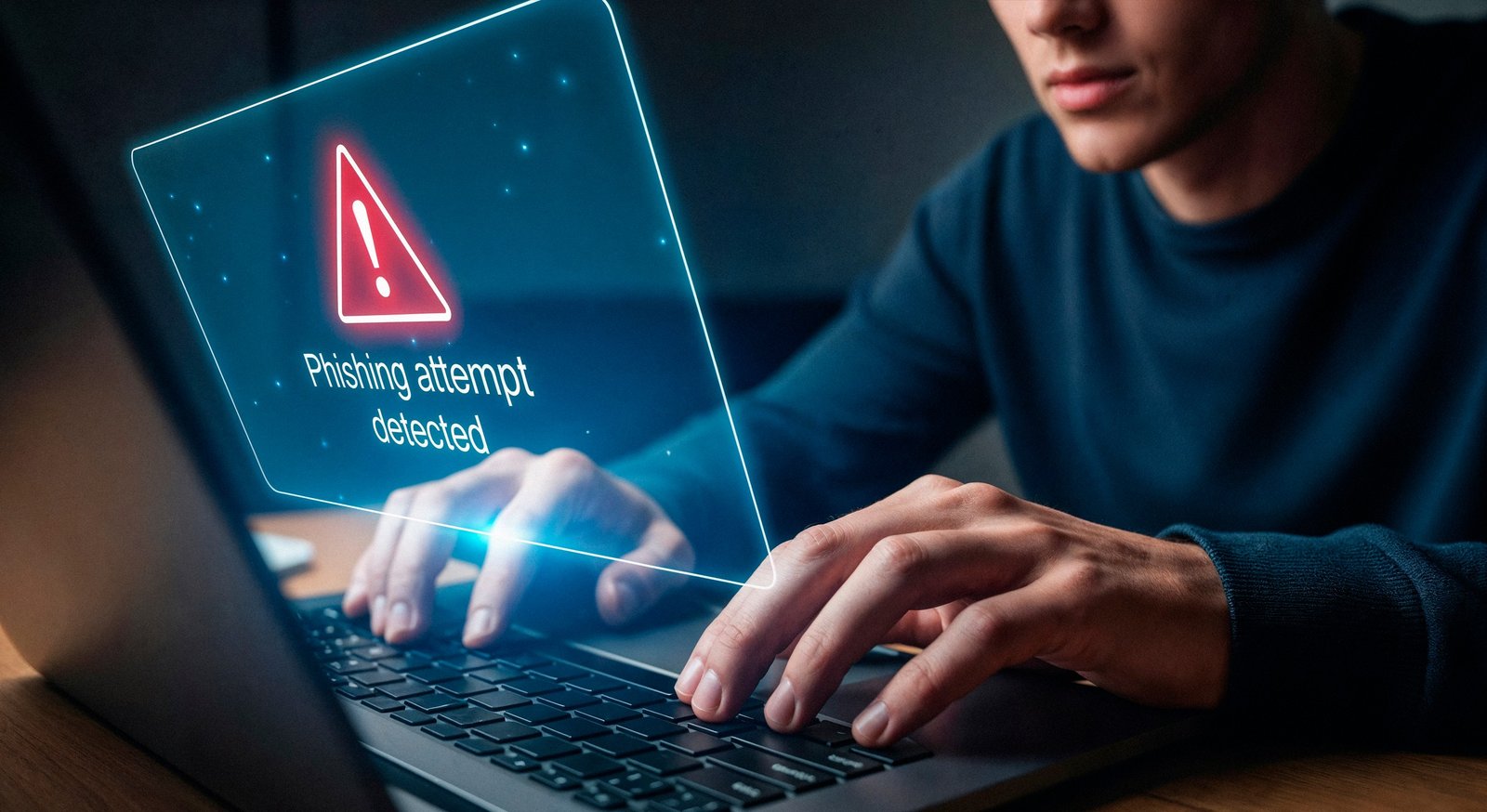
1. Slow Down Before You Click – Urgency Is the Attack Vector
The single most powerful thing you can do to avoid phishing scams is train yourself to pause when a message creates urgency. Phrases like “Act immediately,” “Your account will be suspended,” or “Verify now or lose access” are manipulation tools. Scammers engineer urgency because it short-circuits critical thinking. If an email or text is pressuring you to do something right now, take 60 seconds to verify through an independent channel, like, go directly to the company’s website or call their official number.
2. Inspect Every URL Before You Click
Phishing links are designed to look legitimate at a glance. Train yourself to check:
- Is the domain exactly correct? (
paypal.comvs.paypa1.comorpaypal-secure.net). - Does the link start with
https://with a valid padlock icon? - Is there an unusual subdomain like
login.paypal.com.fraudsite.com? (The real domain here isfraudsite.com, not PayPal). - Hover over links on desktop before clicking, check the destination URl, your browser will show the actual destination URL.
On mobile, where URLs are harder to inspect, it is safer to navigate directly to the company’s official app or type the address manually.
3. Use Multi-Factor Authentication – But Know Its Limits
Enabling multi-factor authentication (MFA) on every important account adds a critical second line of defense. Even if your password is stolen, the attacker still needs the second factor to log in. However, 2026 phishing has adapted: AiTM (Adversary-in-the-Middle) attacks can now intercept your MFA token in real time by proxying your connection. For this reason, security experts increasingly recommend phishing-resistant MFA methods like hardware security keys (e.g., YubiKey) or passkeys, rather than SMS-based codes. If SMS codes are your only MFA option, they are still far better than nothing, just not bulletproof.
You can find detailed guidance on account security hardening in our post on How to Secure Your Email Account from Hackers, which covers email-specific defenses that complement anti-phishing habits.
4. Verify Unexpected Requests Through a Separate Channel
If you receive an email from your bank, your IT department, your CEO, or even a family member asking you to take a financial action or share sensitive information, do not use the contact information in that message to verify it. Go to the official website, look up the phone number independently, or reach out to the person through a channel you already trust (text them directly, call their known number). This is especially important for wire transfer requests, password resets, and payroll updates.
5. Never Share OTPs, Passwords, or Security Codes Over the Phone
Banks, government agencies, and reputable tech companies will never call you and ask for your one-time password (OTP), account password, or full card number. Full stop. If someone on the phone asks for any of these details, regardless of how legitimate they sound hang up and call the organization directly using a number from their official website. This one rule alone can stop a significant share of vishing attacks cold.
6. Be Skeptical of QR Codes in Public Spaces
Before scanning any QR code, especially one in a public space, look closely at it. Check whether the code looks like it was stuck on top of something else. Sticker-over-sticker is a major tell. When you do scan a QR code, check the URL that loads before tapping any buttons or entering any information. If you are at a restaurant or parking meter, consider typing the location’s official website address manually rather than scanning.
7. Use a Password Manager to Catch Fake Sites
Here is an underrated anti-phishing tool: password managers. A good password manager will auto-fill your credentials only on the exact domain they were saved for. If you land on paypa1.com instead of paypal.com, your password manager will not auto-fill anything and that failure to fill is your first warning that something is wrong. It is a passive, automated layer of protection that works even when your eyes miss the subtle URL difference.
8. Keep Software and Security Tools Updated
Outdated browsers, operating systems, and email clients often have vulnerabilities that phishing kits actively exploit. Keeping everything updated including your phone’s operating system closes doors that attackers would otherwise walk right through. Enable automatic updates wherever possible. The same applies to your antivirus or endpoint security tool; signature databases need to be current to catch the latest phishing malware variants.
If you are also worried about the broader threat landscape on your devices, our guide on New Mobile Banking Malware in 2026 covers how malware on smartphones specifically connects to phishing and credential theft.
9. Know the Warning Signs of Phishing Emails
Even with AI-polished writing, phishing emails still leave clues. Watch for:
- Generic greetings like “Dear Customer” instead of your actual name.
- Mismatched sender addresses – the display name says “Amazon Support” but the actual email is
support@amazon-helpdesk.ru - Requests for information a legitimate company already has (your bank will never ask you to “confirm” your account number via email).
- Attachments you did not expect – especially ZIP files, PDFs, and increasingly, SVG or ICS calendar invite files, which VikingCloud notes are being used to bypass legacy email filters.
- Slightly off branding – wrong logo color, different font, pixelated images.
10. Report Phishing – Do Not Just Delete It
Deleting a phishing email and moving on leaves the next person vulnerable. Instead:
- Forward phishing emails to
reportphishing@apwg.org(Anti-Phishing Working Group) or your email provider’s reporting tool. - Report smishing texts to your carrier by forwarding to 7726 (SPAM).
- Report to the FTC at reportfraud.ftc.gov
- Report to CISA (Cybersecurity and Infrastructure Security Agency) at cisa.gov/report
Reporting matters. It helps security researchers track new attack infrastructure, take down phishing sites faster, and protect others.
What to Do If You’ve Already Fallen for a Phishing Scam in 2026
Despite every precaution, accidents happen. If you have already clicked a link, entered credentials, or sent money, here is what to do immediately:
- Change your password for the affected account right away and any other accounts using the same password.
- Enable MFA on the affected account if it is not already on.
- Contact your bank immediately if financial information was shared; most banks have a fraud hotline that can freeze transactions within minutes.
- Run a malware scan on the device you used, especially if you downloaded an attachment.
- Check for unauthorized access – review login activity on your accounts for unfamiliar devices or locations.
- Freeze your credit if your Social Security Number or full identity details were compromised. You can freeze your credit for free at all three major bureaus (Experian, Equifax, TransUnion).
- Document everything – screenshots, email headers, phone numbers, and report to the FTC and your local law enforcement.
For a comprehensive guide on recovering from identity-related attacks that often follow phishing, check out our Best Identity Theft Protection Services in 2026 review, which covers monitoring and recovery tools available today.
Phishing in the Workplace: Special Considerations for 2026
If you work remotely or handle sensitive information at your job, the stakes are even higher. Living Security’s 2026 phishing assessment data shows that without any security training, an average of 33.1% of employees will fall for a phishing simulation, that is one in three people. In an era where a single compromised account can cascade into a full data breach, that is an alarming baseline.
Workplaces should implement:
- Phishing simulation exercises that expose employees to realistic fake attacks in a safe, controlled environment.
- Human Risk Management (HRM) programs that deliver personalized, role-specific security training rather than generic annual sessions.
- DMARC email authentication to prevent domain spoofing by outsiders.
- DNS filtering to block known malicious domains before a user ever clicks.
- A clear, blame-free reporting culture so employees report suspected phishing quickly rather than staying silent out of embarrassment.
The reality is that attackers are specifically targeting roles with financial access, system credentials, and executive-level authority. An executive will receive fake financial approval requests; an IT staffer will get spoofed system alerts; an HR employee will be approached with payroll update requests. The attack is tailored to the target, and the defense should be too.
Conclusion: Your Best Defense Against Phishing Scams in 2026
Phishing has become the cybercriminal’s tool of choice not because people are careless, but because the attacks themselves have gotten extraordinarily sophisticated. AI-generated messages, voice clones, multi-channel attack chains, and phishing kits-as-a-service have lowered the barrier for attackers while raising the bar for defenders. Staying safe in 2026 is less about having a technical background and more about developing the right instincts like slow down, verify independently, and never let urgency override your judgment.
The good news is that awareness remains one of the most powerful defenses available. When you know what a quishing attack looks like, you inspect that parking meter QR code differently. When you know about AI voice cloning, you call your family member back on a number you already know before sending any money. The scam that almost nobody sees coming becomes the scam that you see from a mile away.
Pair that awareness with practical tools such as a password manager, phishing-resistant MFA, up-to-date software, and a healthy skepticism of urgency, and you shift the odds decisively in your favor. The attackers are counting on the fact that most people will not take even basic precautions. Prove them wrong.
Have you encountered a phishing attempt recently? Share your experience in the comments below because your story might help someone else stay safe. And if this guide was useful, consider sharing it with a colleague, friend, or family member who could use it.
Ozichukwu Callistus is a cybersecurity professional, researcher, and digital security advocate with hands-on experience in defensive security operations and ethical hacking. He holds the ISC2 Certified in Cybersecurity (CC), Cisco CyberOps Associate certifications, many others and works regularly with tools like Kali Linux, Wireshark, Nmap, and Security Onion. Through CyberPrivacyLab, he shares practical, research-backed guides to help readers understand threats and protect their digital lives.