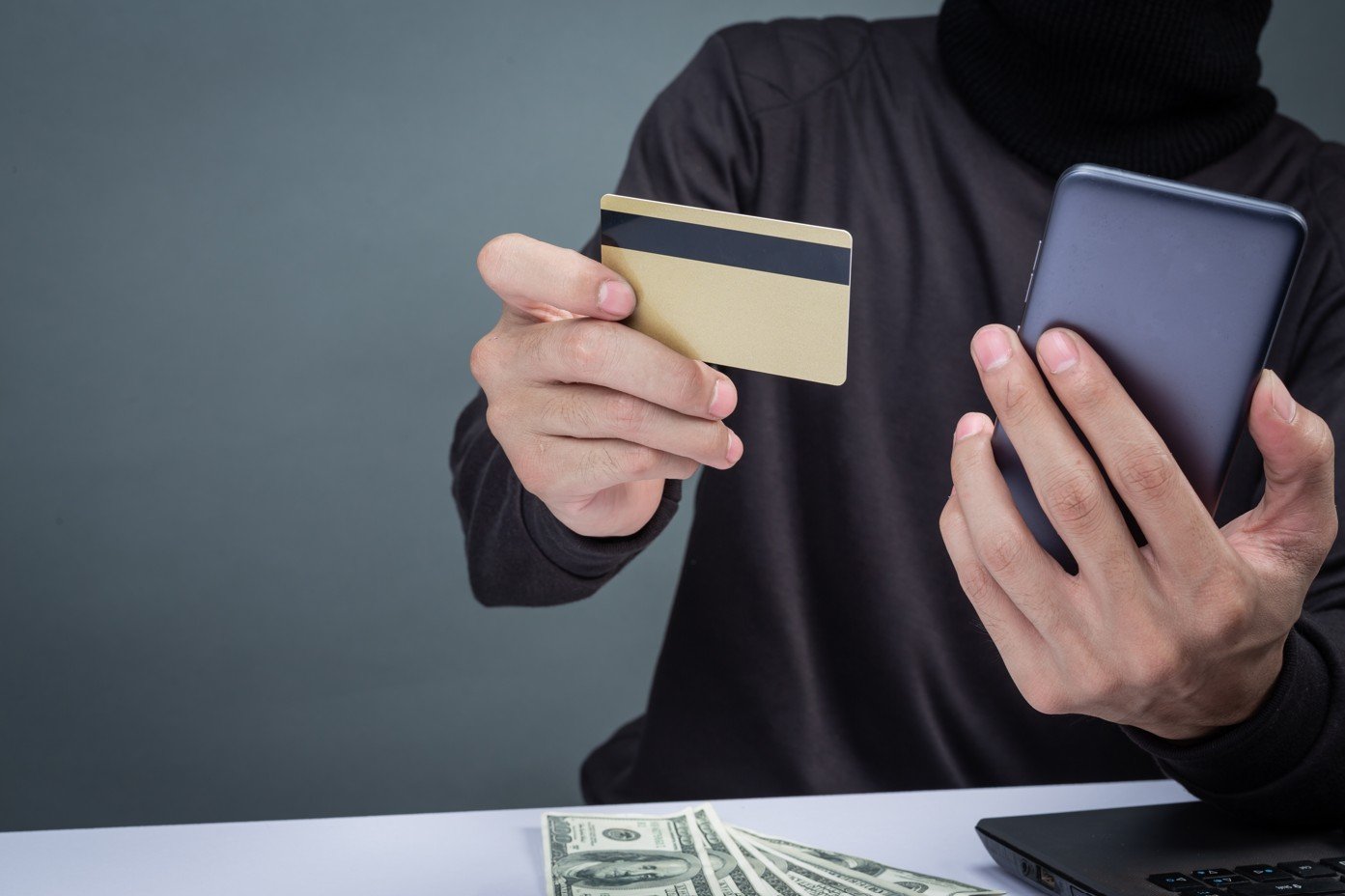
Your smartphone is no longer just a communication tool but it’s your financial and identity hub. And in 2026, hackers know this which makes your smartphone the primary target for financial cyberattacks and for a simple reason: it holds everything. Your banking apps, emails, passwords, crypto wallets, OTP messages, and even biometric data are all sitting in one place.
Yes, cybercriminals have shifted aggressively toward mobile banking malware in 2026, exploiting the explosion in digital banking and fintech adoption across countries like the US, UK, Canada, Australia and others. According to Zimperium latest report on recent mobile fraud trends, malware-driven financial attacks have surged by over 60% year-over-year, with smartphones becoming the primary entry point.
What makes this even more dangerous is how invisible these smartphone cyber threats have become. Victims often don’t realize anything is wrong until their bank accounts are drained. This guide breaks down exactly how these attacks work, the latest malware techniques, and how you can stay protected in an increasingly hostile mobile environment. If you use your phone for banking, even occasionally, this is something you cannot afford to ignore.
What Is Mobile Banking Malware? Understanding the Threat Landscape
When people ask, “what is a banking trojan?”, they’re referring to a category of malicious software specifically designed to steal financial information from your smartphone. In 2026, mobile malware explained goes far beyond simple viruses, it includes highly sophisticated tools engineered for financial fraud.
Types of Mobile Banking Malware
| Malware Type | Description | Risk Level |
|---|---|---|
| Banking Trojans | Mimic legitimate banking apps to steal credentials | Very High |
| Spyware | Tracks keystrokes, screen activity, and user behavior | High |
| RATs (Remote Access Trojans) | Allows hackers full control over your device | Critical |
| Financial Malware | Designed to intercept transactions and redirect funds | Critical |
The most dangerous variant is the Android banking virus, as Android devices dominate global smartphone usage and allow sideloading of apps. These trojans can overlay fake login screens, capture credentials, and even bypass two-factor authentication.
Their main goal is simple:
Gain access to your banking credentials and drain your account without detection
Common Targets of Mobile Malware
- Banking apps (Chase, Barclays, TD Bank, etc.).
- Payment apps (PayPal, Cash App, Venmo).
- Cryptocurrency wallets.
- SMS messages (for OTP interception).
- Email accounts linked to financial services.
Unlike traditional desktop malware, mobile banking malware is designed to stay hidden while continuously monitoring your financial activity. It doesn’t just steal data, it actively manipulates transactions in real time.
Related read: Recent Data Breaches 2026: Protect Your Personal Data & Stay Safe Online
How Hackers Infect Smartphones: Top Attack Vectors in 2026
Understanding how hackers hack your phone is the first step toward prevention. In 2026, attackers use multiple sophisticated malware delivery methods to infect devices.
1. Malicious APK Downloads
Sideloading apps from unofficial sources remains one of the biggest risks. Hackers disguise malware as cracked apps, premium tools, or even fake banking apps.
2. Fake Apps on Official Stores
Even trusted platforms like Google Play aren’t immune. Cybercriminals bypass security checks by uploading apps that appear legitimate but contain hidden malware payloads.
3. SMS Phishing (Smishing)
You receive a message like:
“Your bank account has been locked. Click here to verify.”
This is classic smishing, a highly effective tactic that tricks users into downloading malware or entering credentials on fake websites.
Hackers manipulate human psychology by using urgency, fear or curiosity to trick users into installing malicious apps or granting permissions.
For instance: A fake delivery notification during holiday seasons prompting users to install a tracking app.
Inside the Attack: How Banking Trojans Steal Money Step-by-Step
Let’s break down how banking malware works in a real-world attack scenario.
Step 1: Credential Harvesting
Once installed, the malware detects when you open your banking app. It overlays a fake login screen to capture your username and password.
Step 2: OTP Interception
Modern malware can steal OTP codes sent via SMS or authentication apps. This bypasses traditional 2FA security.
Step 3: Session Hijacking
The malware hijacks your active banking session, allowing hackers to perform actions as if they were you.
Step 4: Silent Transactions
Funds are transferred to mule accounts without triggering alerts. These banking app hacks often go unnoticed until it’s too late.
Attack Flow Summary
| Stage | Action | Result |
|---|---|---|
| Infection | User installs malicious app | Device compromised |
| Monitoring | Malware tracks banking activity | Data collected |
| Execution | Credentials + OTP captured | Unauthorized access |
| Theft | Funds transferred silently | Financial loss |
Advanced Techniques Hackers Use in 2026 (AI, Overlay Attacks & NFC Exploits)
Cybercriminals are evolving fast. In 2026, AI malware and advanced exploitation techniques have taken mobile banking fraud to another level.
Overlay Attacks
An overlay attack banking method involves displaying a fake login screen over a legitimate app. Users unknowingly enter their credentials into the attacker’s interface thereby handing it over to the threat actor unknowingly.
Accessibility Abuse
Malware exploits Android accessibility features to monitor screen activity, read messages, and perform actions without user consent.
NFC Relay Attacks
With the rise of contactless payments, NFC fraud has become a major concern. Hackers can relay NFC signals to perform unauthorized transactions.
AI-Powered Malware Evolution
Artificial intelligence enables malware to:
- Adapt behavior to avoid detection.
- Mimic user patterns.
- Automatically target high-value accounts.
This creates a dangerous “AI vs AI” battlefield where attackers and defenders continuously evolve.
Related read: AI-Powered Cyber Attacks Are Rising in 2026: What Security Experts Are Warning
Real-World Mobile Banking Malware Examples You Should Know

Staying informed about latest Android malware 2026 helps you recognize threats early.
1. NoVoice
A stealthy, rootkit-style malware that operates silently in the background. It avoids detection and maintains persistence even after device reboots.
2. Sturnus
Combines remote access capabilities with overlay attacks. It gives hackers full control over infected devices.
3. FluBot (Modern Variants)
Originally spread via SMS phishing, newer versions are more sophisticated, targeting multiple banking apps simultaneously.
Comparison Table
| Malware | Key Feature | Threat Level |
|---|---|---|
| NoVoice | Rootkit persistence | Critical |
| Sturnus | Remote control + overlay | Critical |
| FluBot | Mass infection via SMS | High |
Why Traditional Banking Security Fails Against Mobile Malware
Many users believe 2FA is enough, but why 2FA fails is a critical question in 2026.
Device-Level Compromise
If your device is infected, hackers operate inside your trusted environment. This bypasses external security layers.
Bypassing Fraud Detection Systems
Banks rely on behavior analysis, but malware mimics legitimate user activity, making detection difficult.
Invisible Attacks
These attacks are often invisible:
- No alerts.
- No warnings.
- No suspicious login notifications.
This exposes major mobile banking vulnerabilities that traditional systems weren’t designed to handle.
Warning Signs Your Smartphone Is Infected with Banking Malware
Recognizing the signs of a hacked phone can save your finances.
Key Indicators:
- Unusual pop-ups or fake login screens.
- Unauthorized transactions.
- Rapid battery drain.
- Increased data usage.
- Unknown or hidden apps.
Quick Detection Checklist
| Symptom | Possible Cause |
|---|---|
| Battery draining fast | Background malware activity |
| Unknown apps | Hidden trojans |
| Suspicious SMS | OTP interception attempts |
If you notice these signs, you may need to detect mobile malware immediately and take action.
How to Protect Your Smartphone from Banking Malware (Expert Guide)
Protecting your finances starts with strong smartphone protection strategies. Here’s where prevention becomes critical.
1. Download Apps Only from Official Stores
Stick to:
- Google Play Store.
- Apple App Store.
Avoid third-party APK downloads.
2. Use Strong Mobile Security Software
Invest in trusted smartphone security apps that offer:
- Real-time threat detection.
- App scanning.
- Phishing protection.
This is one of the best financial cybersecurity solutions available today.
3. Enable Multi-Factor Authentication (MFA)
Even if your password is stolen, MFA adds an extra layer of security.
Use:
- Authenticator apps instead of SMS when possible.
4. Be Cautious with Links and Messages
Never click on:
- Unverified banking alerts.
- Suspicious SMS links.
- Emails asking for urgent action.
5. Keep Your Device Updated
Software updates often include:
- Security patches.
- Vulnerability fixes.
Delaying updates puts you at risk.
6. Monitor Your Bank Accounts Regularly
Early detection can:
- Limit financial loss.
- Improve recovery chances.
7. Use Identity Theft Protection Services
These services monitor:
- Financial activity.
- Credit reports.
- Suspicious transactions.
They are especially valuable for users in high-risk regions.
Pros and Cons of Mobile Security Tools
| Pros | Cons |
|---|---|
| Real-time protection | May consume battery |
| Malware detection | Some require subscription |
| Safe browsing features | Occasional false alerts |
Check security guidelines from National Institute of Standards and Technology.
The Future of Mobile Banking Security: What to Expect Beyond 2026
The future of cybersecurity mobile banking is a constant arms race.
AI vs AI
Defensive AI systems will counter malicious AI, analyzing behavior in real time.
Behavioral Biometrics
Banks will track typing speed, touch patterns, and usage habits to detect anomalies.
Zero-Trust Mobile Security
Every action will require verification, no device or user is automatically trusted.
These fraud prevention trends will redefine digital banking security in the coming years.
What To Do If You’ve Been Hacked: Step-by-Step Recovery Guide
If your account is compromised, immediate action is critical to recover hacked bank account access.
Step 1: Disconnect from the Internet
Prevent further communication between malware and attackers.
Step 2: Contact Your Bank
Report the fraud immediately and freeze transactions.
Step 3: Change All Passwords
Update banking, email, and financial app credentials.
Step 4: Scan and Remove Malware
Use trusted mobile security tools.
Step 5: Factory Reset (If Necessary)
This ensures complete removal of persistent malware.
Step 6: Monitor Financial Activity
Keep track of transactions and enable alerts.
Emergency Response Table
| Action | Priority |
|---|---|
| Contact bank | Immediate |
| Change passwords | High |
| Scan device | High |
| Reset phone | Critical (if needed) |
External help: Report incidents to agencies like Federal Trade Commission.
Conclusion
Mobile banking malware in 2026 represents one of the most dangerous cybersecurity threats facing everyday users. With advanced techniques like AI-driven attacks, overlay phishing, and NFC exploitation, hackers are no longer just targeting systems, they’re targeting you.
The reality is simple: your smartphone is now the weakest link in your financial security chain.
But here’s the good news – awareness and proactive protection can dramatically reduce your risk. By understanding how these attacks work, recognizing warning signs and implementing strong mobile security tips, you can stay ahead of cybercriminals.
As mobile banking continues to evolve, so must your security mindset. Because in today’s digital world, protecting your smartphone means protecting your money.

Ozichukwu Callistus is a cybersecurity professional, researcher, and digital security advocate with hands-on experience in defensive security operations and ethical hacking. He holds the ISC2 Certified in Cybersecurity (CC), Cisco CyberOps Associate certifications, many others and works regularly with tools like Kali Linux, Wireshark, Nmap, and Security Onion. Through CyberPrivacyLab, he shares practical, research-backed guides to help readers understand threats and protect their digital lives.